


SAP FICO User Level Training
SAP FICO, SAP FI (Financials) monitors company financials while CO (Controlling) delivers cost accounting. SAP FI is used to store the financial data of an organization and also helps to analyse the financial conditions of a company in the market whereas SAP CO supports coordination, monitoring, and optimization of all the process in the organization. Our training program focuses on core accounting and reporting concepts like financial controlling – credit control, maintain fiscal year variant and tax code, assign the company code to a chart of accounts etc.
Eligibility & Pre-requisites
Eligibility
There are no prerequisites for this SAP training course. Anyone with the desire to grow in Consulting Career can pursue this course.Pre-requisites
Candidates do not require any specific requirements to take up this course except a basic background in information technology.
We provide FREE Finance Domain Materials you want to Learn Basics of Finance/Supply Chain and Accounting.
SAP FICO User Level Training Overview
SAP FICO is the Core module of any industry. SAP holds a significant share and is Market leader in the ERP market. It is a largest business applications provider of choice for top companies like Amazon,Walmart, TCS, Accenture. Getting SAP FICO certified helps start a promising career in the SAP Consulting. This programs prepares you for the Certification, Interview, and makes you comfortable in working with SAP Team with around 3 years of experience.
Benefits
You must be wondering how does best SAP FICO online training matter? Well we are here to answer your queries in a simple way. Generally speaking, the average salary of any sap expert is around $120000 per annum that grows drastically with some years of experience.
CA: 1-416-569-4606
WhatsApp – 1-416-569-4606
Email – contact@voisap.com
Request more information
Like the curriculum? Enroll Now
Structure your learning and get a certificate to prove it.
Skills Covered
Training Options
Batches
- Lifetime access to high-quality eLearning
- 2000 Step-by-Step Screenshots, SAP Books
- Lifetime SAP Access
- Free Accounts and Excel Sessions
- 24x7 learner Whatsapp assistance and support
- Professional Resume
- Intense Interview Preparation
- Linkedin Preparation
- Free 6 Months On-the-Job Support
One-on-One (Recommended)
- EVERYTHING OF BATCHES PLUS...
- Lifetime SAP Access
- Schedule Sessions at your convenience, ANYDAY, ANYTIME
- Ability to cancel, postpone, reschedule sessions (No anxiety of missing sessions)
- Missed sessions? No Problem, Join Full Training as many times
- Access to Realtime Project Documents as Samples
- Access to Exclusive VoiSAP Practice Guides
CORPORATE TRAINING
(Online, Client sight)
Customized to your team's needs
- EVERYTHING OF BATCHES PLUS...
- Customized Training for your Business Processes
- Customized Training Manuals, Documents
- Well Experienced Corporate Trainers
- Simulation test papers for self-assessment
- Simulation test papers for self-assessment
- 24x7 learner assistance and support
Course Currilcum
- Introduction to Enterprise Resource Planning (ERP) FREE 00:05:00
- Introduction to SAP 00:05:00
- History 00:05:00
- Versions of SAP – R1-R2-R3-ECC 00:05:00
- Navigation of SAP 00:05:00
- Realtime Project Assignment 00:05:00
- Define Company 00:05:00
- Define Company Code 00:05:00
- Assign Company to Company Code 00:05:00
- Realtime Project Assignment 00:05:00
- Fiscal Year 00:00:00
- Posting Period 00:00:00
- Open and Close Posting Period 00:00:00
- Account Type 00:00:00
- Month End Closing Activities 00:00:00
- Field Status 00:00:00
- Tolerance Group 00:00:00
- Realtime Project Assignment 00:00:00
- Basics of Accounts – GL Accounts 00:05:00
- Basics of Financial Statements 00:05:00
- Types of Chart of Accounts – Operative/Country/Group 00:05:00
- General Ledger Master – Create/Change/Display 00:00:00
- GL Document Posting 00:00:00
- GL Document Display 00:00:00
- Change Document 00:00:00
- Document Reversal 00:00:00
- Posting Keys 00:00:00
- GL Balance Display 00:00:00
- GL Line Item Display 00:00:00
- Park And Hold 00:00:00
- GL Reporting 00:00:00
- Realtime Project Assignment 00:00:00
- Basics of Accounts Payable 00:00:00
- Define Vendor Account Groups 00:00:00
- Define AP – GL Integration 00:00:00
- Define Reconciliation Account for AP 00:00:00
- Posting Keys for Vendor Account Type 00:00:00
- Vendor Invoice Posting 00:00:00
- Credit Memo Posting 00:00:00
- Vendor Document Display 00:00:00
- Change Document for Vendor 00:00:00
- Outgoing Payment Posting 00:00:00
- Document View – GL View – Entry View 00:00:00
- Vendor Balance Display 00:00:00
- Vendor Open Items vs Cleared Items 00:00:00
- Vendor Park and Hold – Two Way Authorization 00:00:00
- Accounts Payable Reports 00:00:00
- Realtime Project Assignment 00:00:00
- Payment Run 00:00:00
- Identification 00:00:00
- Documents Entered Upto 00:00:00
- Next Payment Run Date 00:00:00
- Blocking Vendors 00:00:00
- Blocking Single Vendor Payments 00:00:00
- Error During Payment Run 00:00:00
- Assigning Payment Method to Vendor Master 00:00:00
- Job Log 00:00:00
- Proposal Run 00:00:00
- Proposal Display 00:00:00
- Proposal Change 00:00:00
- Proposal Run Schedule 00:00:00
- Payment Run Schedule 00:00:00
- Display Payment Log 00:00:00
- Check Clearing Items in Vendor Line Item Display 00:00:00
- Realtime Project Assignment 00:00:00
- Basics of Accounts Receivable 00:00:00
- Define Customer Account Groups 00:00:00
- GL – AR Integration 00:00:00
- Define Reconciliation Account for AR 00:00:00
- Document Type for Accounts Receivable 00:00:00
- Posting Keys for Accounts Receivable 00:00:00
- Customer Invoice Posting 00:00:00
- Customer Credit Memo 00:00:00
- Incoming Payment Posting 00:00:00
- Customer Document Display 00:00:00
- Change Documents for Customer 00:00:00
- Customer Balance Display 00:00:00
- Customer Line Item Display 00:00:00
- Open Items and Cleared Items for Customers 00:00:00
- Accounts Receivable Reporting 00:00:00
- Document Reversal 00:00:00
- Realtime Project Assignment 00:00:00
- Cost Element Accounting 00:00:00
- Cost Center Accounting 00:00:00
- Define Cost Center 00:00:00
- Profit Center Accounting 00:00:00
- Define Profit Center 00:00:00
- What is Parking 00:05:00
- What is Hold 00:05:00
- Difference Between Park and Hold 00:05:00
- Post Parked Document – FBV0 00:05:00
- Park Documents FBV1 00:05:00
- Change Parked Documents – FBV2 00:05:00
- Display Parked Documents – FBV3 00:05:00
- Reject Parked Documents – FBV6 00:05:00
- Parking of GL Documents – FV50 00:05:00
- Parking of Vendor Documents – FV60 00:05:00
- Parking of Customer Documents – FV70 00:05:00
- Display Parked GL/Customer/Vendor Line Items 00:05:00
- Creation of Hold Document 00:05:00
- Display Hold Document 00:05:00
- Posting Held Documents 00:05:00
- Realtime Project Assignment 00:05:00
- Basics of Supply Chain – Purchase – Materials Management 00:00:00
- Create – Change – Display Purchase Requisition 00:00:00
- Create – Change – Display Purchase Order 00:00:00
- Goods Receivable Process 00:00:00
- Invoice Receivable (IR) Process 00:00:00
- MIGO – MIRO Process 00:00:00
- What is Parking 00:05:00
- What is Hold 00:05:00
- Difference Between Park and Hold 00:05:00
- Post Parked Document – FBV0 00:05:00
- Park Documents FBV1 00:05:00
- Change Parked Documents – FBV2 00:05:00
- Display Parked Documents – FBV3 00:05:00
- Reject Parked Documents – FBV6 00:05:00
- Parking of GL Documents – FV50 00:05:00
- Parking of Vendor Documents – FV60 00:05:00
- Parking of Customer Documents – FV70 00:05:00
- Display Parked GL/Customer/Vendor Line Items 00:05:00
- Creation of Hold Document 00:05:00
- Display Hold Document 00:05:00
- Posting Held Documents 00:05:00
- Realtime Project Assignment 00:05:00
- Overview of Cash Journal 00:00:00
- Cash Transaction Posting 00:00:00
- Cash Document Display 00:00:00
- Cash Document Reversal 00:00:00
- Realtime Project Assignment 00:00:00
- Overview of Dunning Run 00:00:00
- Identification 00:00:00
- Dunning Parameters 00:00:00
- Additional Dunning Log 00:00:00
- Dunning Proposal – Display – Edit 00:00:00
- Block Customers from Receiving Dunning Notices 00:00:00
- Dunning Run 00:00:00
- Realtime Project Assignment 00:00:00
- Basics of Accounts 00:00:00
- Three Way Matching and Coding 00:00:00
- Purchase to Pay/Procure to Pay/P2P 00:05:00
- Order to Cash 00:05:00
- Record to Report/R2R/Book to Report/B2R 00:05:00
- Realtime Project Assignment 00:05:00
- How to Write General Resume 00:00:00
- How to Write Professional Resume 00:00:00
- Tailoring Resume 00:00:00
- Realtime Project Assignment 00:00:00
- How to Apply for Jobs 00:00:00
- How to Attend Interview Calls 00:00:00
- Intense Interview Preparation 00:00:00
- Designing Your Interview 00:00:00
- How to Take Up Difficult Questions During Interview 00:00:00
- How to Answer Project Based Questions 00:00:00
- Realtime Project Assignment 00:00:00
- How to Prepare Professional Linkedin Profile 00:00:00
- How to Improve Linkedin Profile Visibility 00:00:00
- Linkedin Marketing 00:00:00
- Building Professional Connections on Linkedin 00:00:00
- How to Apply for Jobs on Linkedin 00:00:00
- How to Use Linkedin to Get Interview Calls 00:00:00
- Realtime Project Assignment 00:00:00
Confused about your Career? Take Free Career counselling
What our eLearners say about us
Excellence speaks for itself. Experience us through Authentic Google Reviews and Videos.
Google Reviews
Like the curriculum? Enroll Now
Structure your learning and get a certificate to prove it.
Certification
As part of our eLearning program, you will be practically involved in various projects and assignments, which include Realtime Project Scenarios as well. This gives you realtime practical industry exposure.
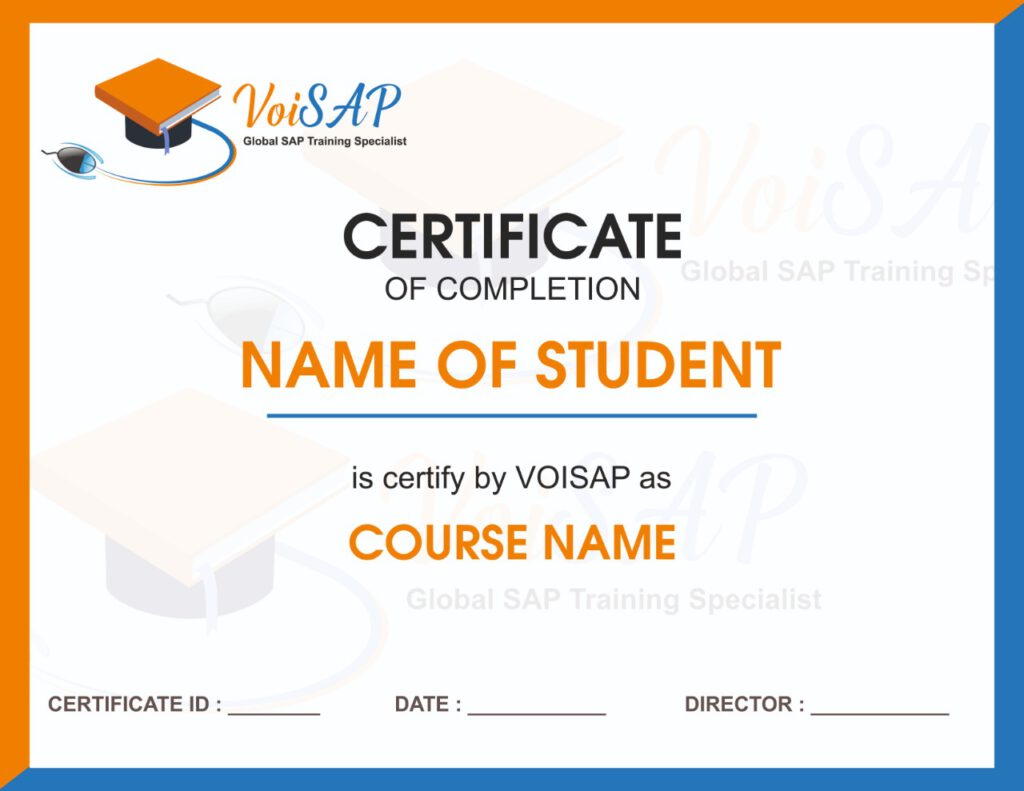
VoiSAP’s certificate will be issued once you successfully complete the training which includes practicals, assignments and quiz.
VoiSAP’s certification training is recognized by more than 500 top MNCs, including CGI, Accenture, Walmart, Amazon, IMAX, Sony, RBC, HSBC, Standard Chartered Bank, IBM, Infosys, Lafarge, TCS, and many more.
SAP FICO Training FAQs
SAP stands for Systems, Applications, and Products in Data Processing and is used by large organisations to manage their business. SAP has different modules for 21 industry sectors.
Any person with some education and business process knowledge can consider a career in SAP. A career in SAP is very rewarding because of the high paying positions and also lack of skilled SAP personnel makes it most desirable skill to have. We suggest you choose a module which compliments your experience and background.
VoiSAP provides SAP training programs in all functional and technical modules including SAP Core Modules:
FI -Financial Accounting
CO- Cost Controlling
HR- Human Resources
SD- Sales and Distribution
MM -Materials Management
SAP Security
SAP Net Weaver- Business Intelligence (BW)
SAP programming in ABAP
SAP New Dimension Modules: GRC-Governance, Risk, and Compliance
SAP Net Weaver XI- Exchange Infrastructure
SAP Net Weaver Portal
SAP Net Weaver MDM-Master Data Management
Other than these full fledged courses we provide User level Training that includes
SAP FICO
SAP MM
SAP SD
SAP HR
VoiSAP also conducts Capsule Training Courses like
SAP Accounts Payable
SAP Accounts Receivable
SAP Supply Chain
SAP Buyer
SAP Sales Coordinator
Training sessions are held Online as well as on-site at our Brampton and Cambridge Center during weekdays & weekends.
We are committed to provide you high class 24X7 support through whatsapp, emails, calls. We can proudly say that we provide the best support in the Industry. Further, you will have full access to our Learning Management System that contains all the books, materials, screenshots for you. Our support is just away from you.
No doubt, SAP is in very high demand, and at the same time, employers need professionals who have the right skills for consulting.
At VoiSAP, we design our program by taking into consideration our learners come from different backgrounds, freshers to professionals. So, we curate it from the basic level and gradually increase the difficulty level for you to easily grasp all the concepts taught as part of the program. Further, we guarantee that, by the end of the program, your skills would be equivalent to 3 years experience in this technology.
Absolutely, you can. Here at VoiSAP, we make sure you have all the skillset required to get a job. You will be given accounting sessions before you start with SAP FICO if you background is non-accounting. In the past, we have trained non-accounting background participants and they are very successfully working as Consultants and Analysts.
We are proud to say that we provide exclusive material that covers theory of the topic, 2000+ step by step topic wise screenshots, Books. The Material we have step by step instructions for your to practice.
Certification is not a requirement to work as an SAP consultant but it is definitely preferred by most employers. All our training courses are designed to get you certified in your module.